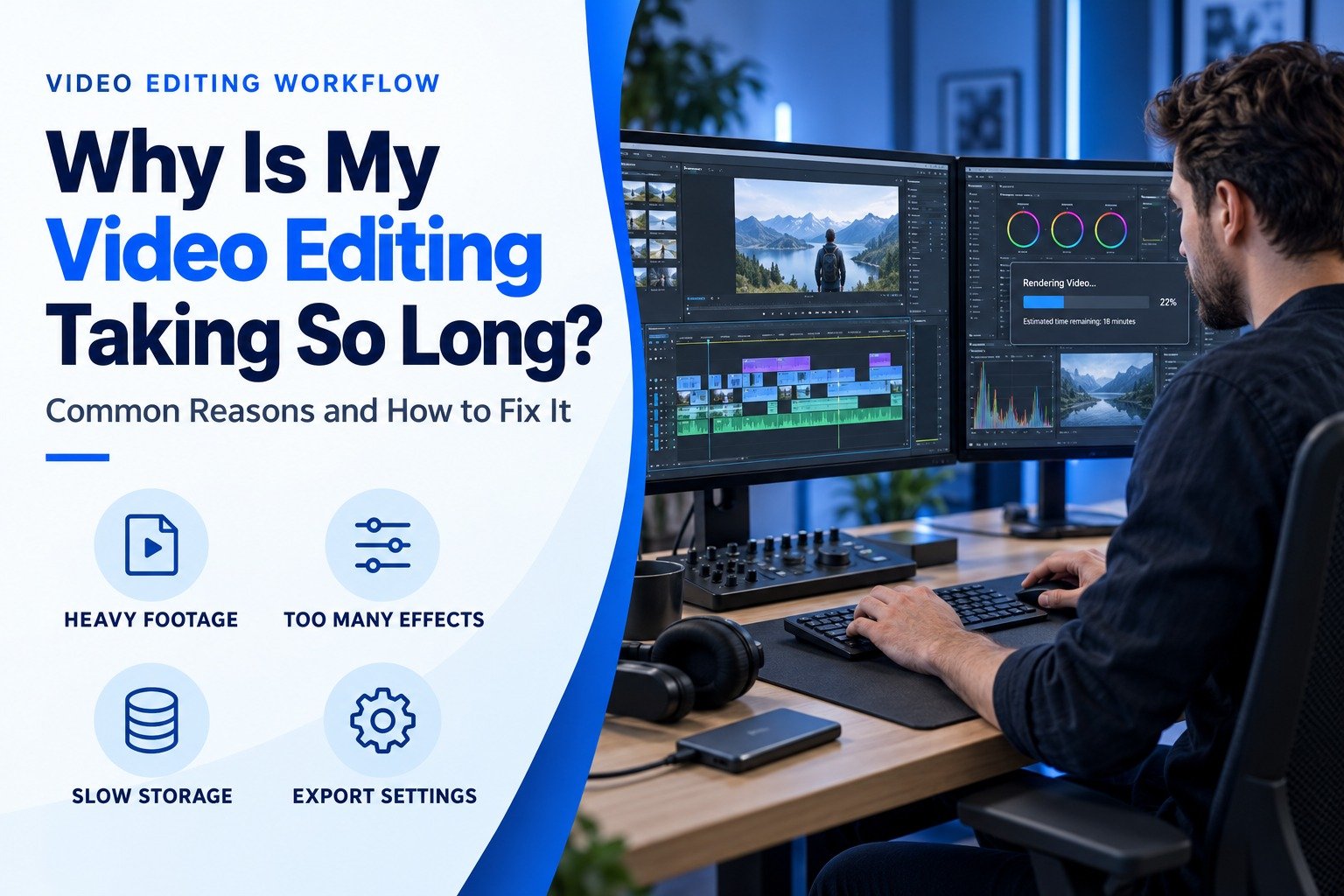
You sent the footage days ago, and you’re still waiting. Your campaign date edges closer, and the deadline slips further, as you’re losing time trying to figure out what’s going wrong. For creators and businesses in Saudi Arabia, the frustration of slow video editing is fast becoming the greatest challenge in an economy that is rapidly demanding more and more content published on social media at the speed of light. It’s not usually the people doing the edits; it’s the editing systems. Here’s what is actually slowing them down, and how to fix it. Visit our page if you want avail video editing service.
Insufficient RAM Can Slow Down Video Editing
Video editing software relies heavily on RAM. If a task requires multitasking and multiple programs are running in the background, the lack of RAM slows the computer’s performance and creates a laggy timeline. 16GB RAM is a good starting point for most modern video editing demands, however, some editors prefer to use 32GB or more RAM for their needs. Many video editing workflows can be improved by upgrading your computer’s RAM. Core and multi-threaded editing can be significantly sped up by increasing the amount of RAM your computer has.
A Slow CPU or GPU Can Affect Editing Performance
Heavy tasks related to editing such as the application of effects, color corrections, and transitions are handled by the processor and graphics card. An old CPU or GPU will make the software work harder, which will slow everything down. Even on basic editing projects, slow performance could be caused by old hardware and not the editor’s skill.
4K and 8K Videos Require More Processing Power
High resolution footage is impressive, but beware: it also means high processing demands. It takes longer to edit a 4K or 8K video even with the simplest of edits. For high-res projects, proxy files or lower resolution preview files can be used to control the demands on processing and playback without losing the original footage until export to the final video.
Large Video Files Can Increase Editing Time
Large files take more time to preview and render, creating longer load times. They also make file management and the editing process more inconvenient. For high-quality footage, proxy or optimized media files can help alleviate strain to both the editing system and to the editor without losing quality of the source.
Too Many Effects Can Slow Down Editing
Stacking multiple effects, overlays, and transitions on a single timeline forces the software to render more information in real time. This is a common reason projects that look “simple” still take long to edit. Using effects intentionally, rather than adding them everywhere, keeps both performance and viewer attention sharp.
Outdated Editing Software Can Slow Down Editing
Older software versions have heavy editing loads because they’re often lacking performance upgrades. Trying to edit with outdated versions of software will lead to crashes, freezing, and ultimately a complete waste of time. It’s best to get the updates when they come out for video editing software, to have peak speed, stability, and be more likely to edit new footage types.
Limited Storage Space Can Make Video Editing Slower
When storage runs low, especially on the same drive being used for editing, performance drops sharply. Editing software needs free space to create cache files and previews. Using a dedicated drive with enough free space, ideally an SSD, keeps editing responsive.
Background Apps Can Slow Down Editing
Browsers, chat apps, and other programs running in the background quietly consume RAM and processing power. This forces the editing software to compete for resources it needs. Closing unnecessary applications before starting a project frees up performance instantly.
Slow Preview Playback Can Delay Editing
Choppy or delayed preview playback makes it harder to judge timing, cuts, and transitions accurately, leading to more revisions later. This is often caused by high preview quality settings on lower-end systems. Switching to a lower preview resolution while editing, then reverting for final export, speeds up the workflow noticeably.
High Export Settings Can Slow Down Processing
Exporting at unnecessarily high resolutions or bitrates can significantly increase processing time without providing noticeable benefits, especially for social media content. Matching export settings to the platform’s requirements can reduce export times while maintaining the quality viewers actually need.
How to Speed Up Video Editing
The quickest way to speed up edits is to match your hardware to your project’s needs. Editing can be easily optimized by adding extra RAM, using a better quality CPU, and/or GPU, and using proxy or optimized media files. If you want to save time while still editing, try closing all of your background apps and making sure to use all of the export settings provided for the specific platform you are using.
For businesses that want to avoid the hassle of managing editing hardware and the lag that comes with it, hiring an editing service can help eliminate most of the troublesome lag, fix issues, and help your project progress to completion quickly and seamlessly.
Conclusion
Most issues with slow video editing come down to limitations in hardware, large file sizes, or outdated editing software, not from lack of effort or talent. If you are tired of missing deadlines and having to troubleshoot constantly, maybe it’s time to use a professional editing team, particularly when you are looking for reliable video editing services near me. Sparkscale is a reliable video editing service for Saudi Arabia, go-to tools, and years of experience mean that fast, high-quality results are available, along with a stress-free experience. Contact Sparkscale to hire a professional video editor in Saudi Arabia to get your project done quickly.
FAQs:
Why is my video editing software running so slow?
Low RAM, an outdated CPU/GPU, or low storage usually cause it.
How long should video editing take for a short social media video?
Usually a few hours to a day for a 30–60 second video.
Is AI video editing faster than hiring a professional editor?
Yes for basic edits, but pros still win for creative, branded content.
How much does a video editing service cost in Saudi Arabia?
It depends on video length, complexity, and turnaround time.
How do I find a reliable video editor in Saudi Arabia?
Check their portfolio, turnaround time, and client reviews.