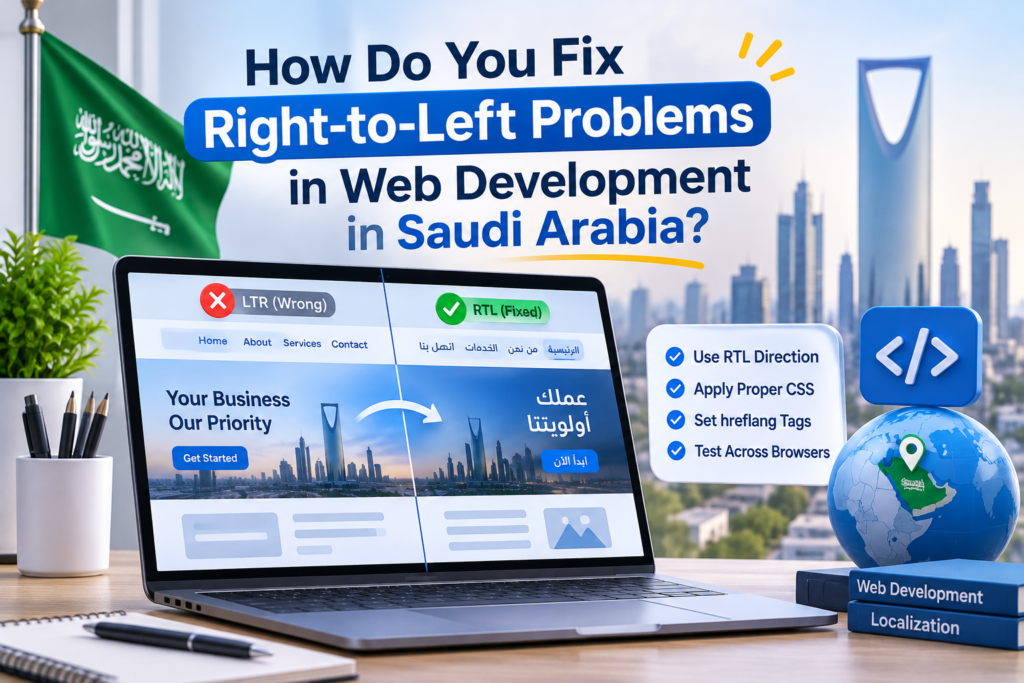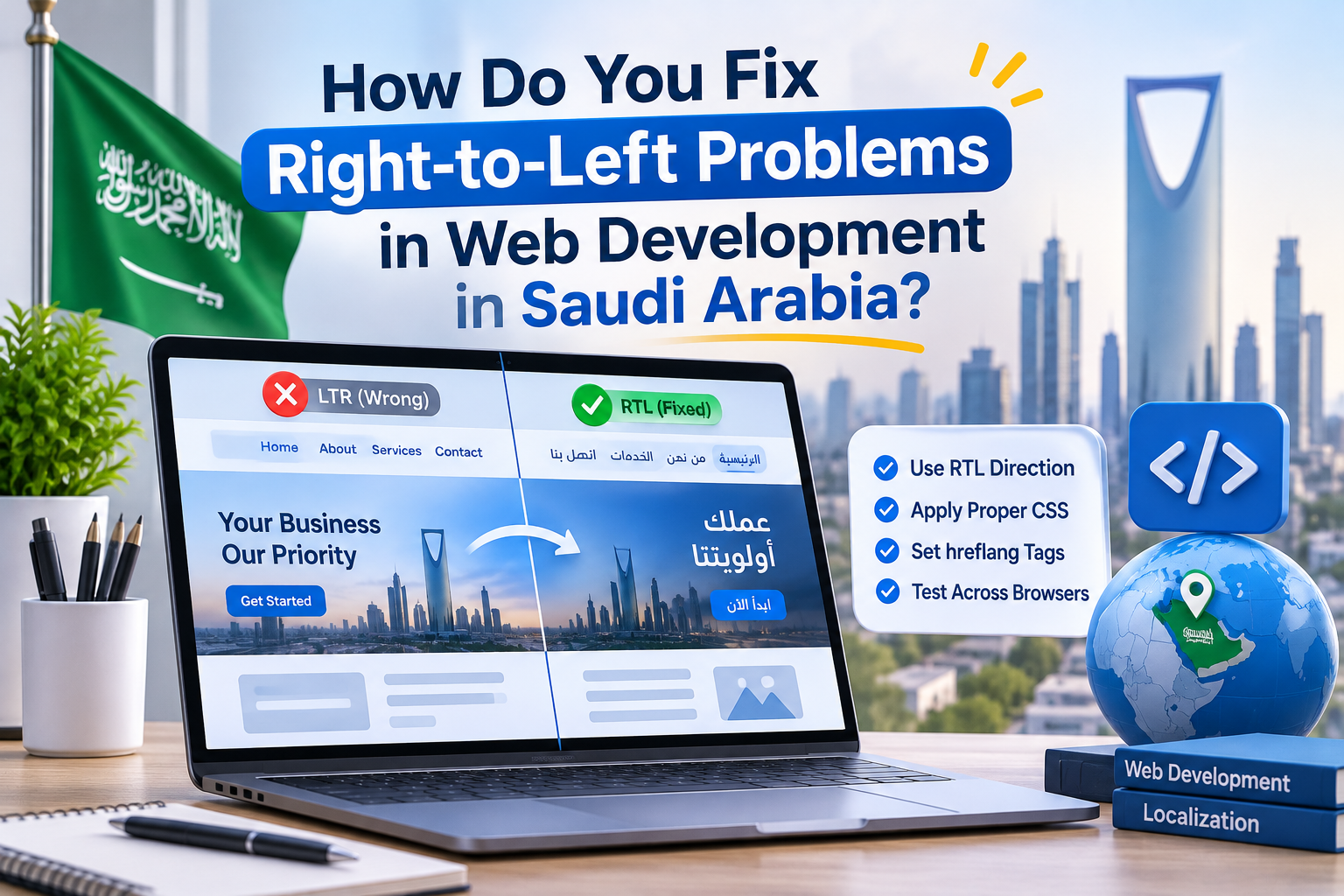
You open your Arabic page and something definitely feels off. Text sits on the right, but the buttons on the menu point the wrong way. The menu looks overall cramped. And a phone number has jumped to the wrong spot. Visitors from Saudi Arabia notice these errors instantly, and the majority click off your site. Most of your audience in Saudi Arabia is Arabic speaking, meaning you’re going to have to incorporate right-to-left design in your web development in Saudi Arabia from the start. This post will help you identify these problems and give you solutions. See our full blog on web development companies in saudi arabia.
What Are Right-to-Left Problems in Web Development?
Right-to-left (RTL) design means the entire page flows from right to left. This includes elements such as layout, menus, sliders, forms, and icons, in addition to text. This is how the sites are expected to be designed for users of Arabic language.
Translating the content into Arabic is not enough. Sites that look English first, and read Arabic, give the first impression of being untrustworthy and foreign to Saudi users. Proper RTL design not only renders content in an easy-to-read format, but also gives the first impression to users that the site is designed exclusively for them.
What Are the Most Common RTL Problems on Saudi Websites?
Broken Layout and Alignment
Because of poor design and coding, many elements on the site (images, buttons, columns, etc.) are often seen on the left while text is displayed on the right. This creates an unbalanced design and often confuses visitors trying to find the main content and/or next steps.
Mixed Arabic and English Text
There are many phone numbers, prices and brand names throughout the site, often interjected and/or broken by English text. Random breaks and jumps are often easily missed and result in misreadable lines and sentences. This requires extensive, line-by-line, manual testing. Please review our clients’ Arabic content.
Icons and Arrows Pointing the Wrong Way
Due to poor design and coding, arrows and back buttons are often displayed the wrong way and/or progress bars and sliders are displayed the right way. People reading Arabic go from right to left, unlike English readers.
Forms and Checkout Fields
often contain misaligned labels and placeholders, and incorrectly positioned error messages. These types of mistakes can easily occur during the form and checkout process and result in lost sales and/or leads.
Fonts and Readability
At smaller sizes, some fonts become broken and/or hard to read. Use a readable, clean font and leave enough line spacing. This especially helps users on a phone, or other small screen.
How Do You Fix Right-to-Left Problems Step by Step?
Set the language and direction in the code to begin. Next, rather than using a fixed space for the left and right sides, set rules that enable flexibility for both sides.
When iconography conveys direction, it should be mirrored. Logos and numbers should not be mirrored. Always test with real Arabic content.
The website should be reviewed and checked with real mobile devices, as most of the users from KSA access the website via their mobile devices. Check forms and menus step by step.
How Does WordPress Handle Right-to-Left Design?
WordPress can handle right to left languages, but issues may still appear from your theme or plugins. Many WordPress development Saudi Arabia projects hit a wall when the plugin neglects RTL or theme and only half-mirrors its layout.
Prior to launch, test plugins and themes that state RTL support. Use plugins that support layout breaks, and themes that support design breaks. If a plugin breaks the layout, replace it and don’t use fragile fixes.
Good web design and development treats Arabic as a main language, not an add-on. That one decision saves time, avoids rebuilds, and gives Saudi visitors a site that feels made for them.
Need an Arabic-Ready Website That Works?
SparkScale is a digital marketing agency that builds Arabic-ready, high-speed websites in KSA. We provide website development services KSA that meet the needs of companies by building RTL layouts with mobile-first designs and WordPress CMS. In addition, we set up tracking for leads and monitor which web pages bring leads. We test all pages in English and Arabic. Contact us today and tell us about your website needs.
Conclusion
Right-to-left problems hurt trust, usability and sales. However, each of these issues has a clear solution. First, it’s important to set direction correctly. Next, it’s important to mirror what needs to be mirrored. Lastly, pages should be checked on a phone to ensure that content does not truncate. Most importantly, web development in Saudi Arabia should stop treating Arabic as an afterthought. Look at it as a core business requirement the same way English is. Today, open your Arabic pages and list what is wrong on each of them.
FAQs:
What are right-to-left problems in web development?
They are layout, menu, icon, and form glitches that appear when an Arabic page does not mirror correctly.
Why does RTL design matter for Saudi websites?
Most Saudi visitors read Arabic, and a page that looks English-first feels foreign and loses trust.
How do I fix mixed Arabic and English text on a page?
Test every line that mixes both languages, especially phone numbers, prices, and brand names.
Does WordPress support right-to-left design?
Yes, but your theme and plugins must support RTL too, so test each one before launch.
How do I test an Arabic website properly?
Use real Arabic content and check every page, form, and checkout step on a phone.